
Yo, Legends! 🎮 Jumping into the Outlands solo can be a wild ride, but let's be real—the chaos is ten times better when you're rolling with your squad. As we cruise through 2026, Apex Legends is still the king of fast-paced, team-based battle royale action. Developed by the legends at Respawn Entertainment, every match throws you and up to 59 other players onto a massive map with nothing but your wits. The goal? Scavenge, strategize, and be the last squad standing. While you can go full lone wolf, the game's heart beats strongest when you're coordinating with friends, whether you're climbing the ranked ladder or just messing around in private matches. But here's the kicker: adding your homies isn't always a walk in the park, especially with the game living on pretty much every platform under the sun. Don't sweat it, though—this guide's got you covered for the latest and greatest ways to squad up in 2026.
The most crucial thing to know right off the bat is that Apex Legends is fully cross-platform. This is a game-changer (literally). It means your buddy on PlayStation, your cousin on Xbox, and you on your beastly PC can all drop into the same match together. No more platform prison! 🚫🔒 However, there's a tiny but important detail in the matchmaking sauce. The system is designed to keep things fair: console players (PlayStation, Xbox, Switch) are generally grouped together, while PC players duke it out in their own pool. Why? Mainly because of the precision advantage mouse and keyboard can offer. But fear not, cross-play squads are totally possible! If a console player parties up with a PC friend, the whole squad gets placed into the PC matchmaking pool. It's a tougher challenge, but that's where the real glory is earned. The best part? Cross-play is turned ON by default in 2026, so you're ready to play with anyone from the get-go. You can still toggle it off in the settings if you want to stick to your platform's native lobbies.
Alright, let's get down to business. How do you actually send that friend request and start building your dream team? The process is smoother than ever, but it's all about knowing where to click.
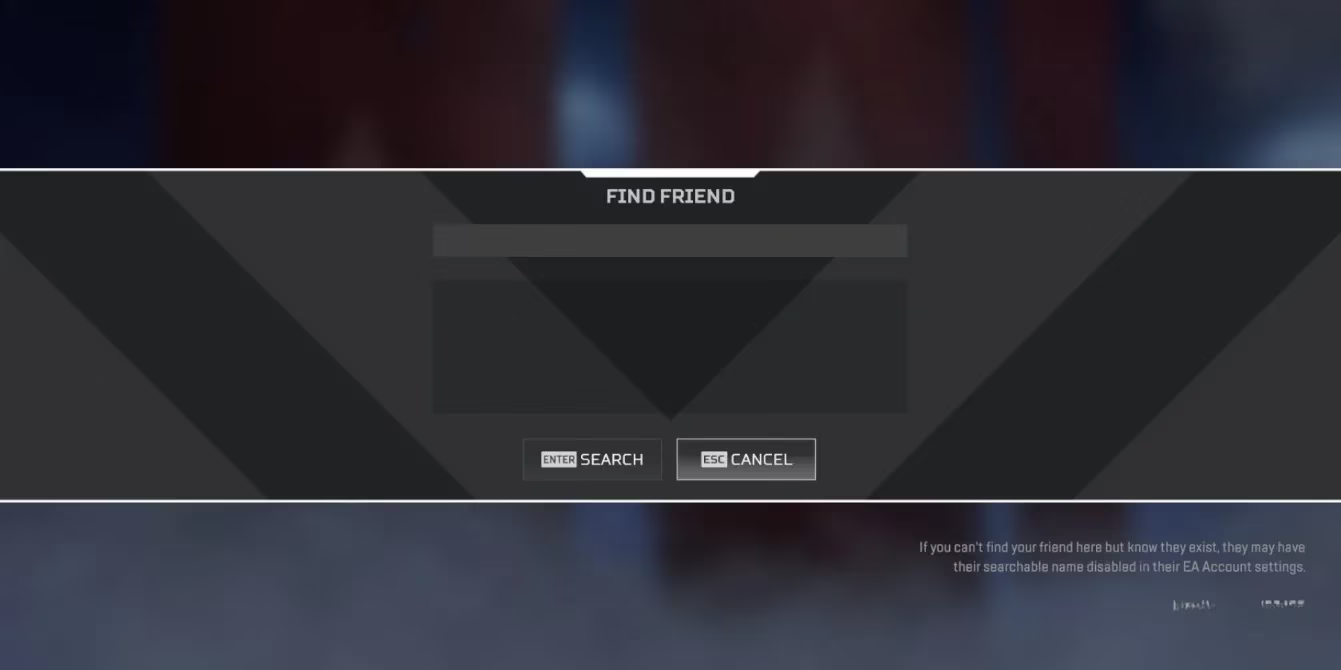
Here’s your step-by-step battle plan for 2026:
-
Find the Friends Icon: From the main lobby, look to the bottom-right corner of your screen. You'll spot the 'Friends' icon (it usually looks like two little silhouettes). Give that a click.
-
Navigate the Menu: This opens up your social hub. You'll see tabs for your current friends, recent players, and more.
-
The Search is On: To add a new legend, look to the bottom-left of this friends menu. You should see a button that says 'Find Friend' or something similar. Click it!
-
Enter the Gamertag: A search box will pop up. This is where you need your friend's exact in-game name. Type it in carefully—spelling and capitalization matter!
-
Send the Request: Hit 'Search,' and if the name is correct, their profile will appear. Next to it, click 'Send Friend Request.' You'll get a quick confirmation message like 'Friend Request Sent.'
-
Wait for the Accept: Now, the ball's in their court. Once they accept your request from their notifications, BAM! 🎉 They'll appear in your friends list. You'll even see a little icon next to their name showing what platform they're on (PC, PlayStation, etc.), so you always know who you're squadding up with.
Pro Tip for 2026: If you just played an awesome match with a random teammate and want to add them, check the 'Recent Players' tab in the same Friends menu. It's a lifesaver!
So, you've built your crew. What's next? Apex Legends in 2026 offers more ways than ever to play with your friends beyond just standard matches.
-
Private Matches: Want to host a tournament with just your friends? Or practice 1v1s? Head to the game modes menu and look for 'Private Match.' You can create a custom lobby, set the rules, and invite your entire friends list for some controlled chaos. It's perfect for content creators or just for bragging rights among your inner circle.
-
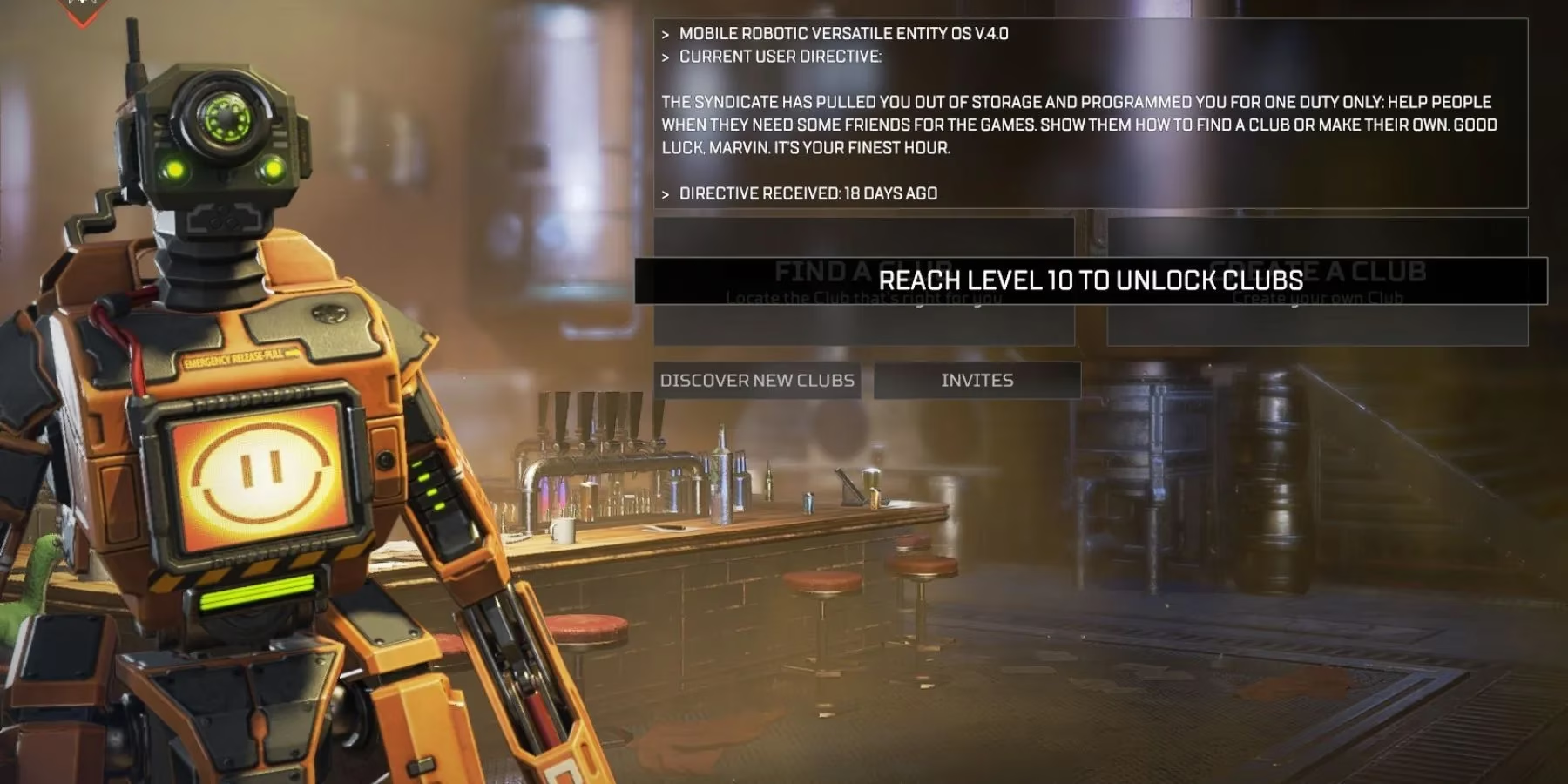
Clubs: Remember Clubs? They're still going strong! Think of them as your own permanent in-game community or guild. Once you're friends with someone, you can invite them to your Club. Go to the 'Club' tab in the lobby, find 'Search for New Club Members,' and invite away. It's a great way to always have a pool of online players ready to jump into a game.
Let's break down the current platform landscape in 2026. Apex Legends is a true multi-platform titan, available on:
| Platform | Generation | Status in 2026 |
|---|---|---|
| PC | - | The original and still fiercely competitive hub. 😤 |
| PlayStation | PS5 & PS4 | Fully supported, with enhanced features on PS5. |
| Xbox | Series X/S & One | Same cross-play harmony, with optimizations for the newer consoles. |
| Nintendo Switch | Switch | Still running, perfect for on-the-go legends! |
The beauty of this system is its seamlessness. You don't need to swap accounts or link profiles in a complicated way. Your Apex Legends identity is tied to your platform account (like your PlayStation Network ID or Xbox Gamertag), and the game's social system bridges the gaps automatically through your in-game name.
To wrap it up, playing Apex Legends with friends in 2026 is all about embracing the cross-platform future. Adding friends is a straightforward process once you know the menu, and the options to play together—from ranked grind to private lobby shenanigans—are vast. The core formula that made Apex a hit remains: intense gunplay, unique character abilities, and that unbeatable feeling of a perfectly executed squad play. So, don't just sit in the lobby alone. Send those requests, build your legacy squad, and get ready to hear 'Champion' at the end of your next match. See you in the Outlands, Legend! ✌️